Services
1-to-1 Tech Tutoring in Your Home
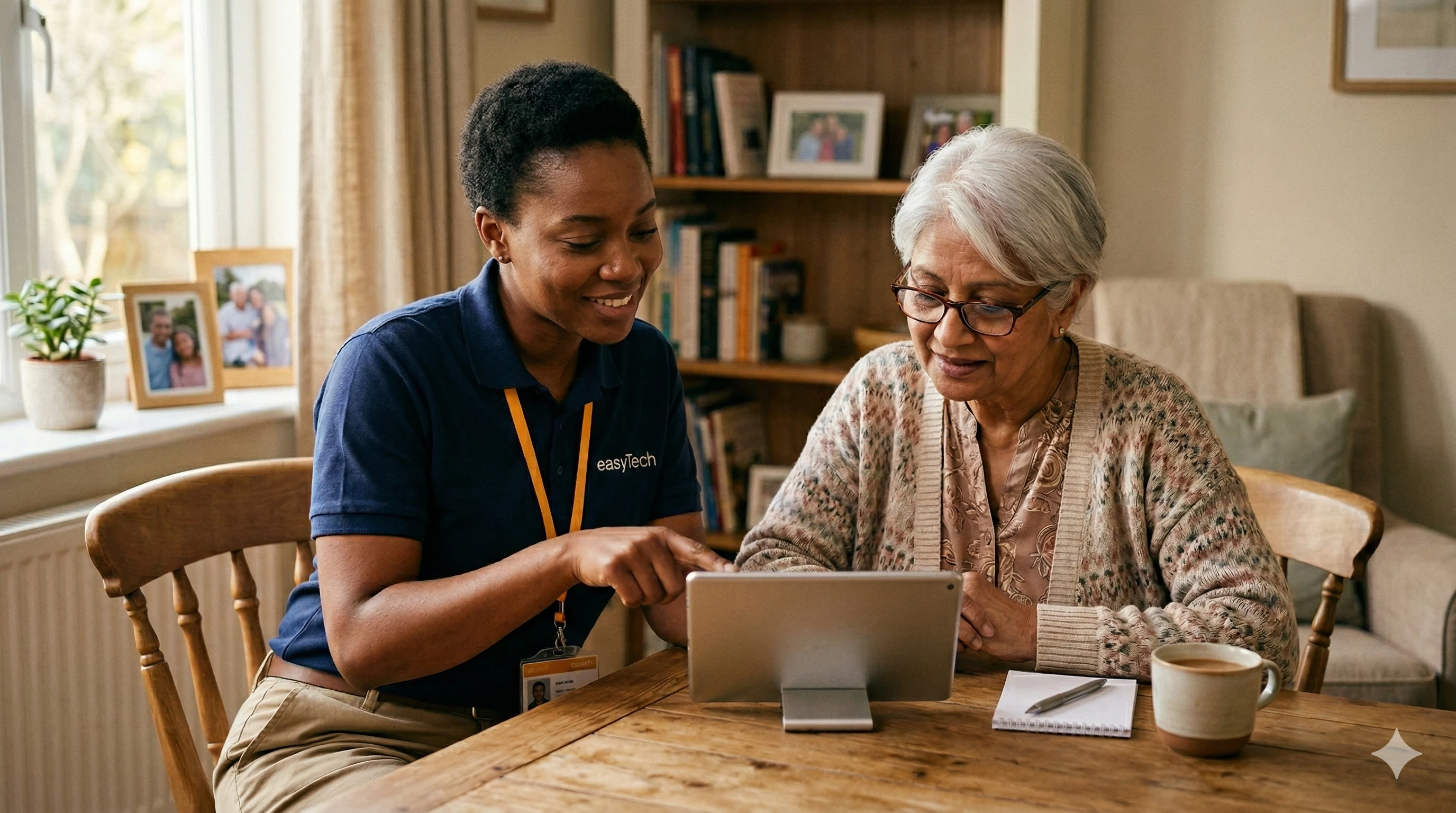
Learn to use your phone, tablet, or computer at your own pace. No rushing, no judgement. Just patient, clear help in the comfort of your home.
About This Service
Most people own a phone or tablet they barely know how to use. That is not their fault.
Maybe you have had your smartphone for a year and still only use it for calls. Maybe someone set up a tablet for you but you are not sure how to use it. Maybe you want to video call family, shop online safely, or just feel more comfortable with the devices you already own.
That is what our tutoring sessions are for.
We come to your home in Ajax, Pickering, Whitby, or Oshawa and sit with you, one-on-one. We go at your speed. We explain things as many times as you need. And we focus on the things that matter to you, not a one-size-fits-all lesson plan. Whether you are a complete beginner or just want to get better at the things you already use, sessions are built around you.
Is This For You?
You might want tutoring if...
-
Phone Basics
You have a smartphone but you do not feel confident using it beyond basic calls and texts.
-
Video Calls
You want to learn video calling so you can see your family on FaceTime, Zoom, or WhatsApp.
-
App Confidence
You feel overwhelmed by apps and do not know which ones are safe to use.
-
Online Safety
You want to shop online or use online banking but you are worried about doing it safely.
-
New Device
You just got a new device and the setup instructions make no sense.
-
Learn at Your Pace
Someone has tried to teach you before but they went too fast.
If you want to learn, we want to teach you. It is as simple as that.
What We Cover
Sessions are built around what you want to learn
Our Approach
We never rush and we never judge
The biggest complaint we hear from people is that when a family member tries to help with tech, they go too fast. They click things without explaining. They get impatient.
We do the opposite.
We sit beside you and walk through each step together. We write things down so you have notes to follow after we leave. And there is nothing better than watching someone go from frustrated to confident in a single session.
Many of our tutoring clients book regular sessions, once a month or once a fortnight, to keep building their confidence. Others just need one visit to get started. Either way is fine.
Pricing
Affordable, honest pricing
From $89
Standard Visit
A focused one-hour session covering one or two topics. Extended visits at $129 for two hours of deeper learning. No subscriptions, no ongoing commitments. Book when you need one.
FAQ
Frequently asked questions
- I have never used a computer. Is it too late to learn?
Absolutely. We have helped complete beginners get comfortable with their devices for the first time. We start wherever you are.
- Can you teach me how to video call my grandchildren?
Yes. We set up FaceTime, Zoom, or WhatsApp on your device and practise a real call together so you feel comfortable doing it on your own.
- What if I forget everything after the session?
We can write down simple instructions for you to follow after we leave. Many clients keep these notes next to their device. And if you get stuck, you can always book another session.
- Can you book a session for someone else in my family?
Absolutely. Many people book a session on behalf of a family member. We are patient, clear, and happy to work with anyone who wants to learn.